Why
Agents write Markdown. The Mac still opens it as source.
CLAUDE.md, plan.md, whatever your coding agent spent the last four minutes producing. macOS hands all of it to TextEdit as hash marks, or to a ten second Xcode launch, or to an editor that drops a blinking cursor into a file you only meant to read.
Every Markdown app is built for writing, which leaves reading as the mode nobody tunes. Galley only reads, so there is no caret to misplace and nothing to mangle in a document you are sharing on a call. Editing is real, but it lives behind a keystroke you have to go and press.
What renders
The whole dialect, not the common half.
Point it at a file an agent is still writing and it re-renders as the bytes land, holding your scroll position, or following the tail if that is where you already were. A small pill in the corner says updated.
- GFM tables, task lists, footnotes and callouts
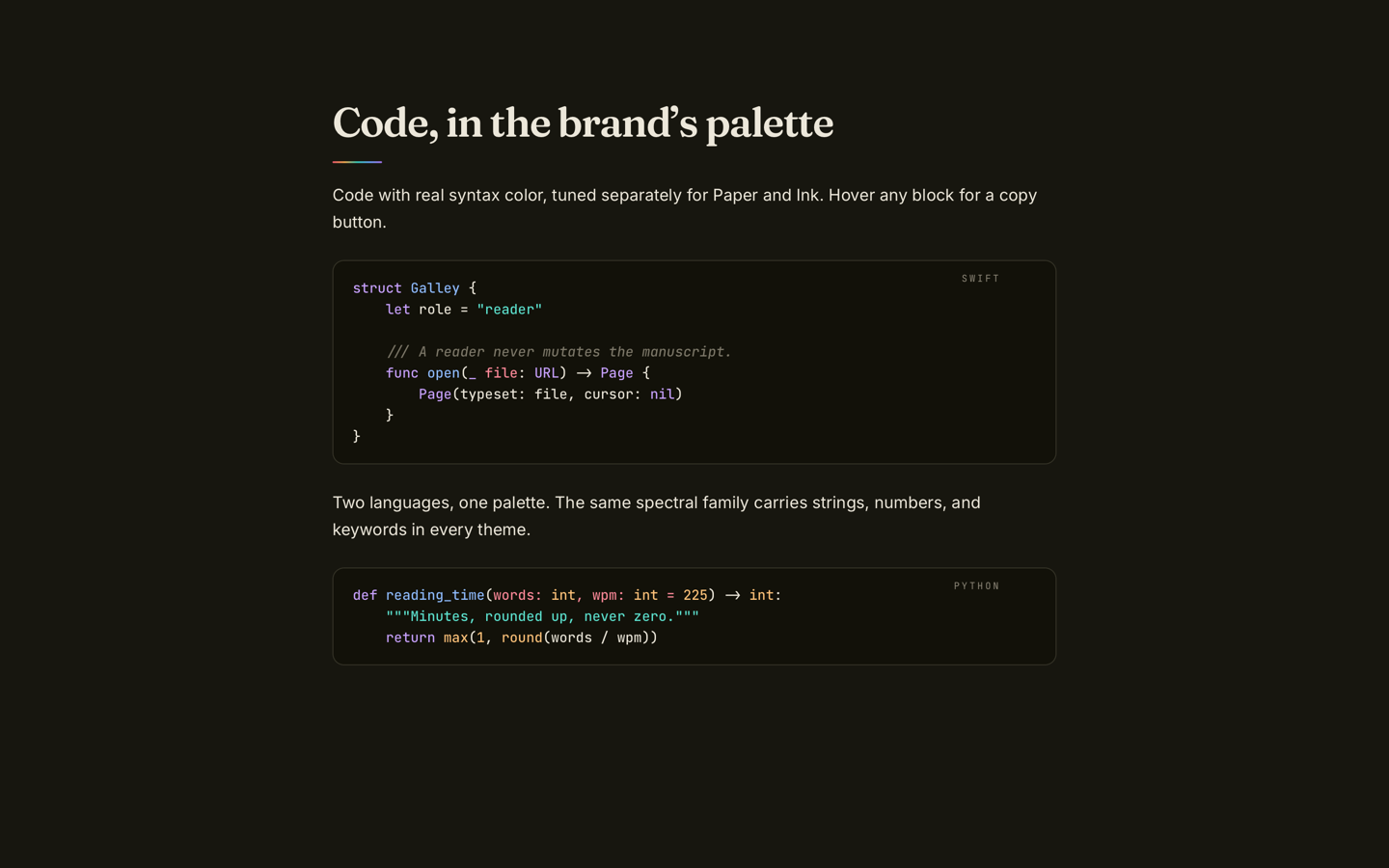
- Syntax-highlighted code
- Mermaid diagrams
- KaTeX math
- Wiki links, and Notion and Obsidian exports as-is
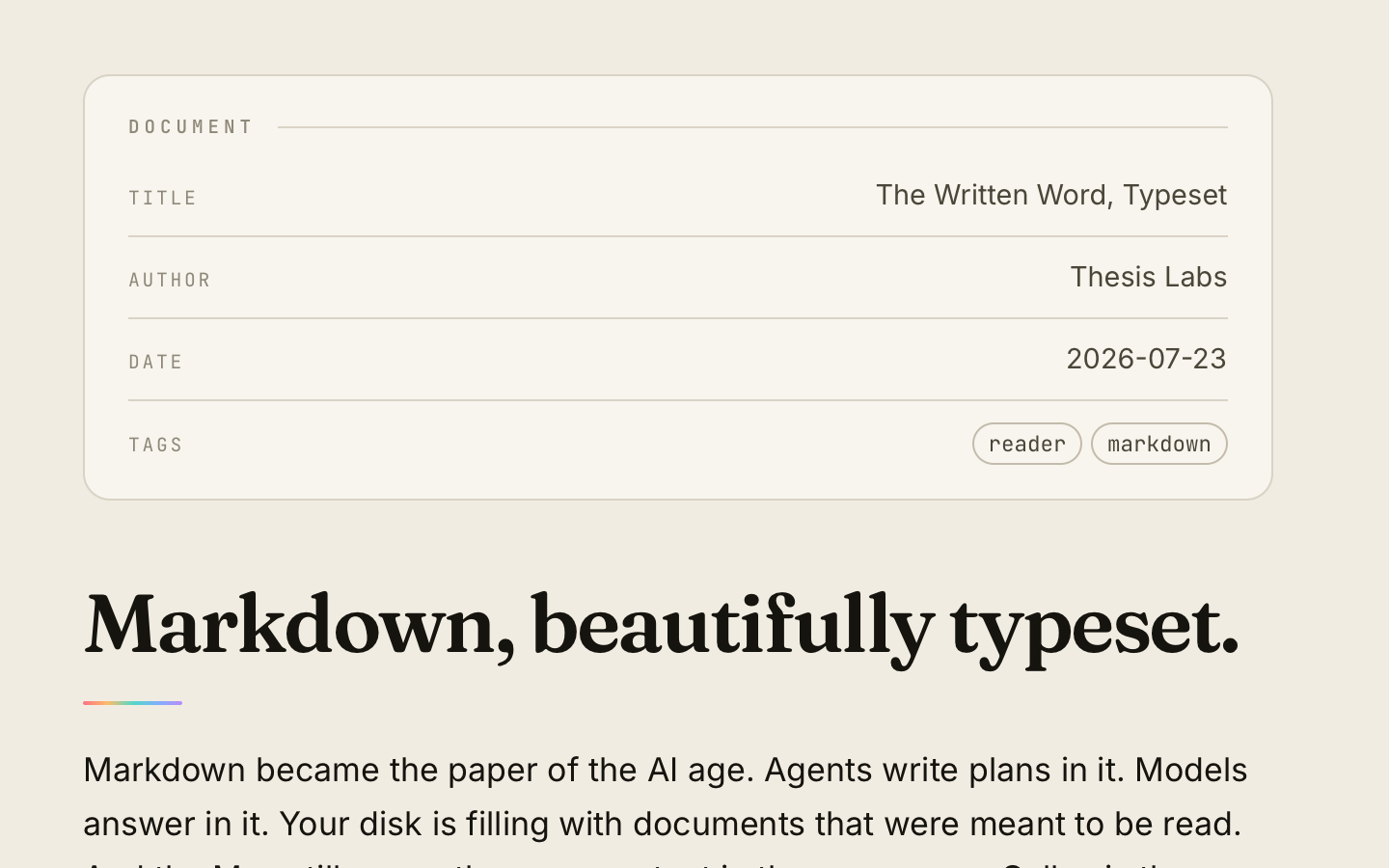
- YAML front matter as a metadata card
- Quick Look previews from the Finder
- PDF and HTML export, and print that lays out correctly
Themes
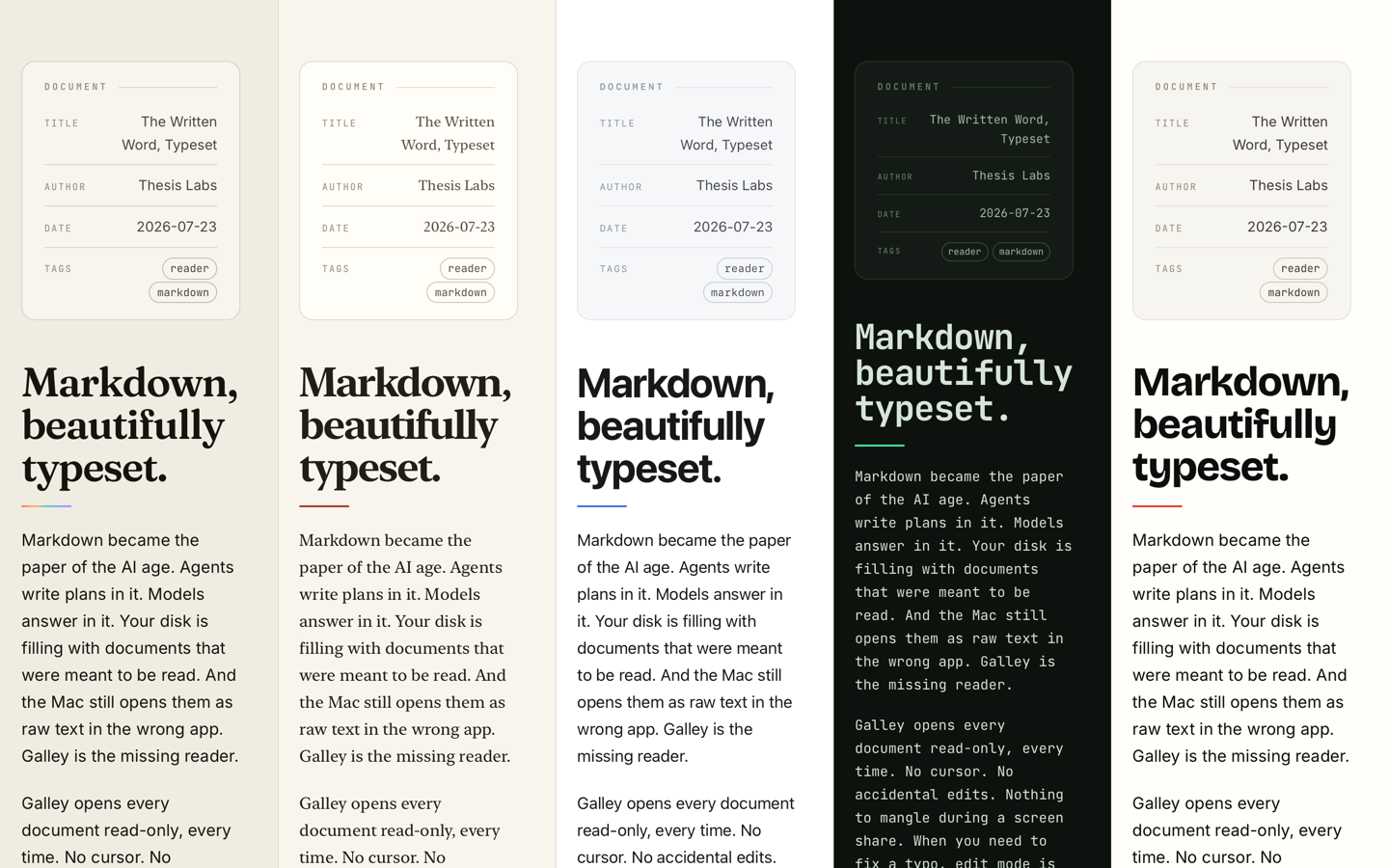
Thesis, Manuscript, Studio, Terminal and Editorial, each with a light and a dark variant. Type, heading weight, colors and the spectral accents are all adjustable per theme if the defaults are not to your taste.
How it's built
A SwiftUI app around a WebView, on purpose.
Rendering is markdown-it 14.3 with highlight.js, KaTeX and Mermaid, bundled into the app at build time so nothing touches the network while you read. The trade is deliberate: Mermaid needs a JavaScript runtime whatever you do, and going through HTML means print and PDF export come almost for free. The cost is shipping a browser engine to read a text file, and a print path that has to set the web view's frame by hand or it takes the app down on Tahoe.
Quick Look extensions cannot host a web view, so that target runs markdown-it in JavaScriptCore instead. Two renderers, one dialect, which is the thing to watch when either side changes.
Colophon
Free and MIT. Built by Thesis Labs.
No account, no vault, no sync, no telemetry. It is a document-based sandboxed Mac app that reads files you already have and keeps nothing of its own.